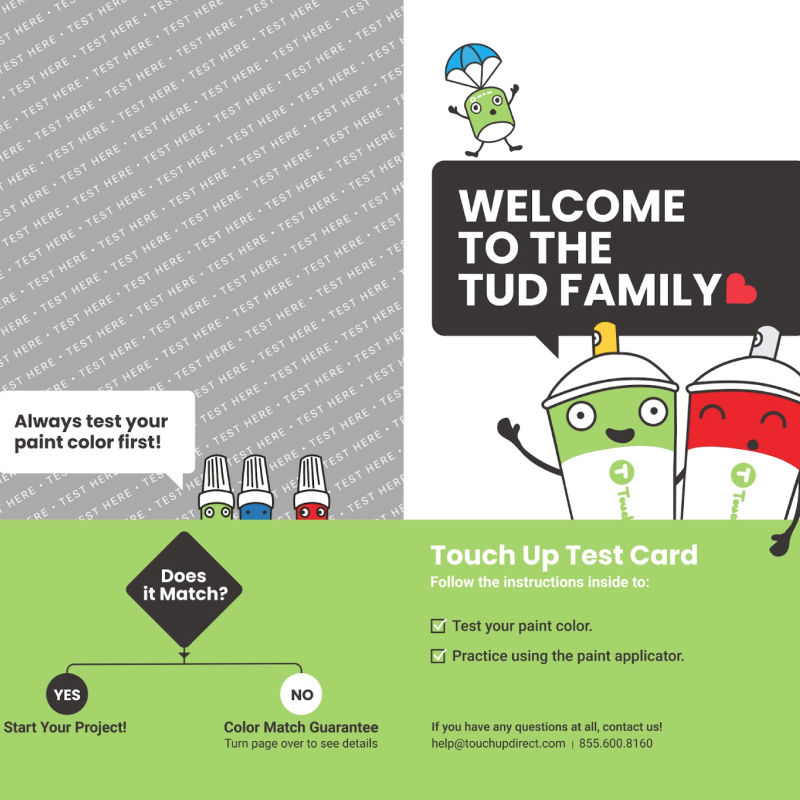
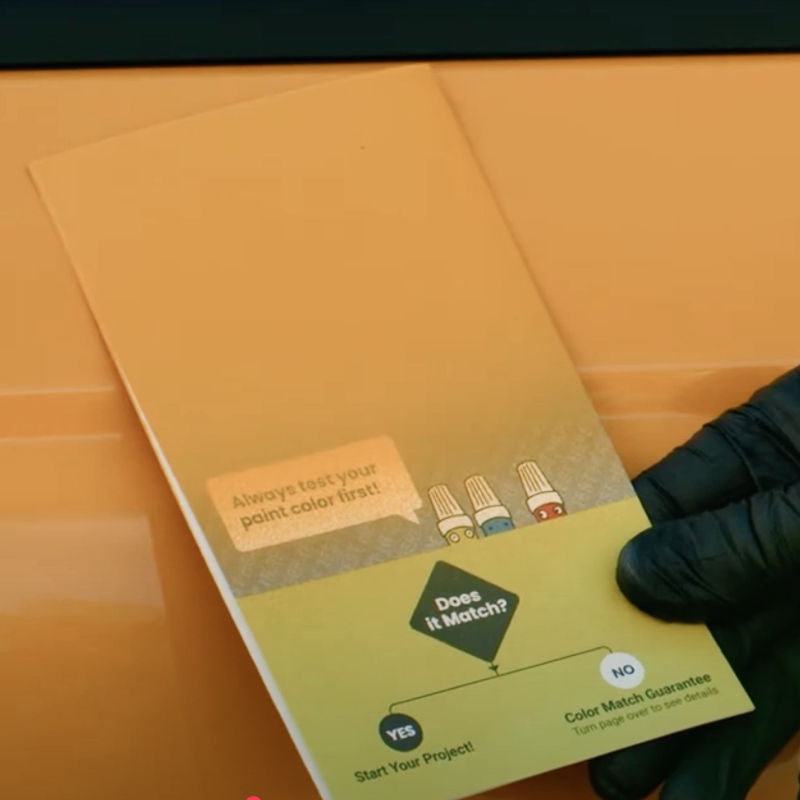
Every TouchUpDirect paint order includes a test card. The test card is the recommended way to check that you have received the correct paint before applying it to your paint project.
1. Check Your Colorcode
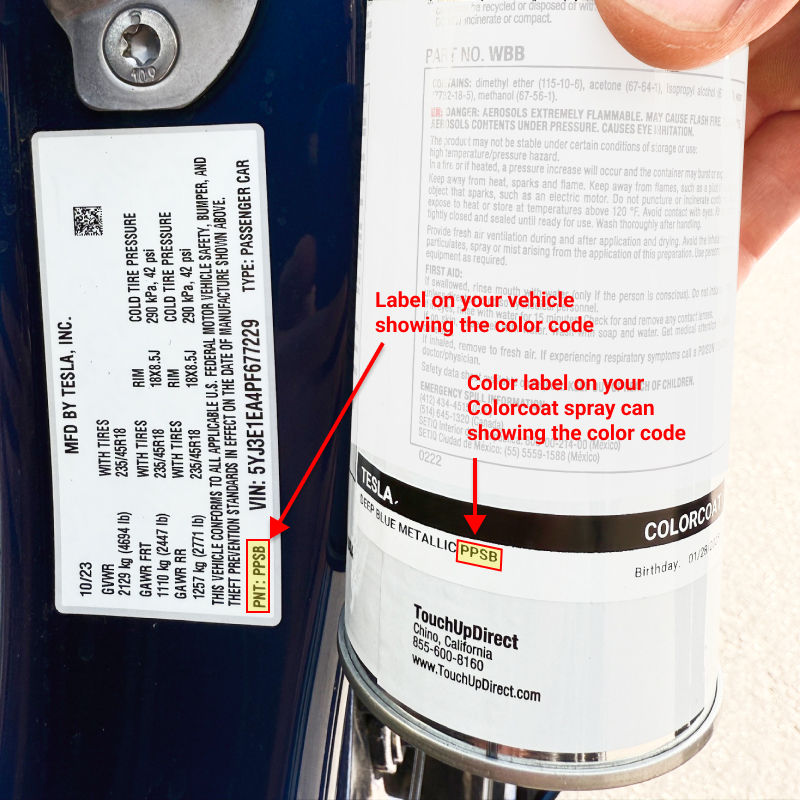
All Colorcoat applicators include a color label.
Check the make, color name, and color code to confirm they match your order.
To ensure accuracy, verify that the color code matches the one on your vehicle.
2. Use the Test Card
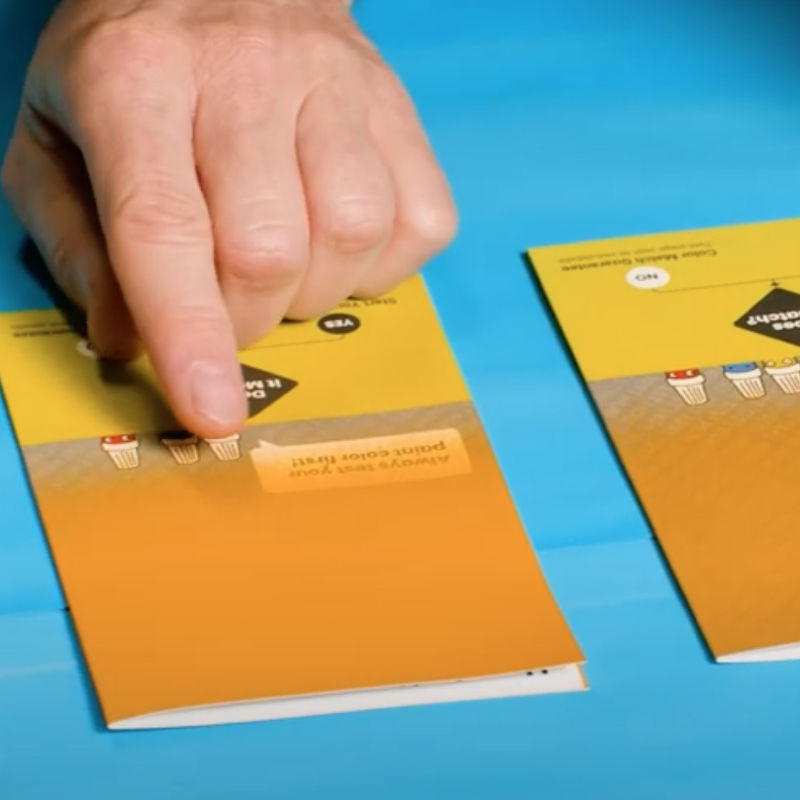
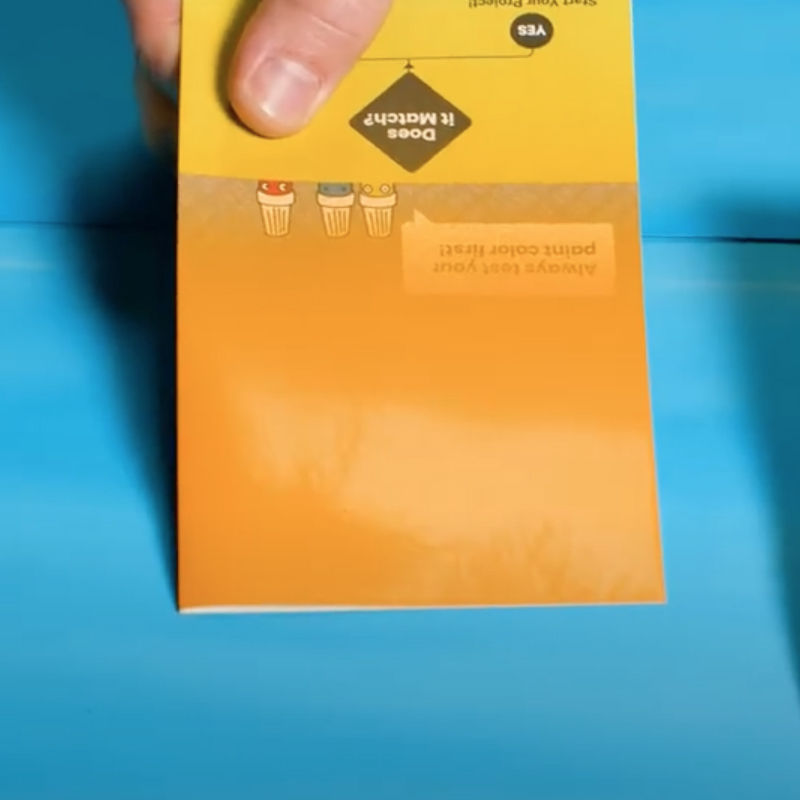
Each TouchUpDirect order includes a test card.
Apply your paint to the gray side with the small text “TEST HERE.”
3. Apply clearcoat
Apply Colorcoat to the test card.
Hold the spray can 8–12 inches from the surface.
Spray in smooth, even strokes, starting at the edges and covering the area evenly.
Let the first coat dry for 15–20 minutes.
Repeat for 2–4 coats, or until the "TEST HERE" text is no longer visible.
4. Apply Clearcoat
Apply a light, even coat of Clearcoat.
Let it dry for at least 15 minutes.
Apply a second coat. Let dry for 15–30 minutes.
5. Compare the paint color
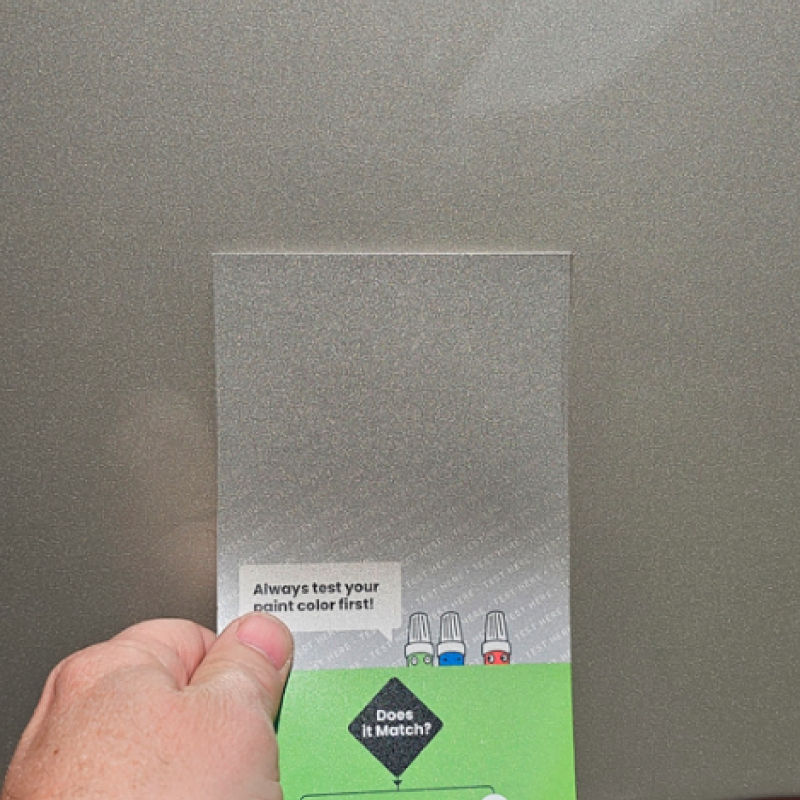
Hold the test card next to your vehicle and compare the colors.
If it matches, you’re ready to start your project.
If it doesn’t match, take a photo of the test card next to your vehicle (as shown above) and contact us—our Color Match Guarantee has you covered.
Previous stepCopy link to sharePrint / PDFNext step
 touchupdirect.com