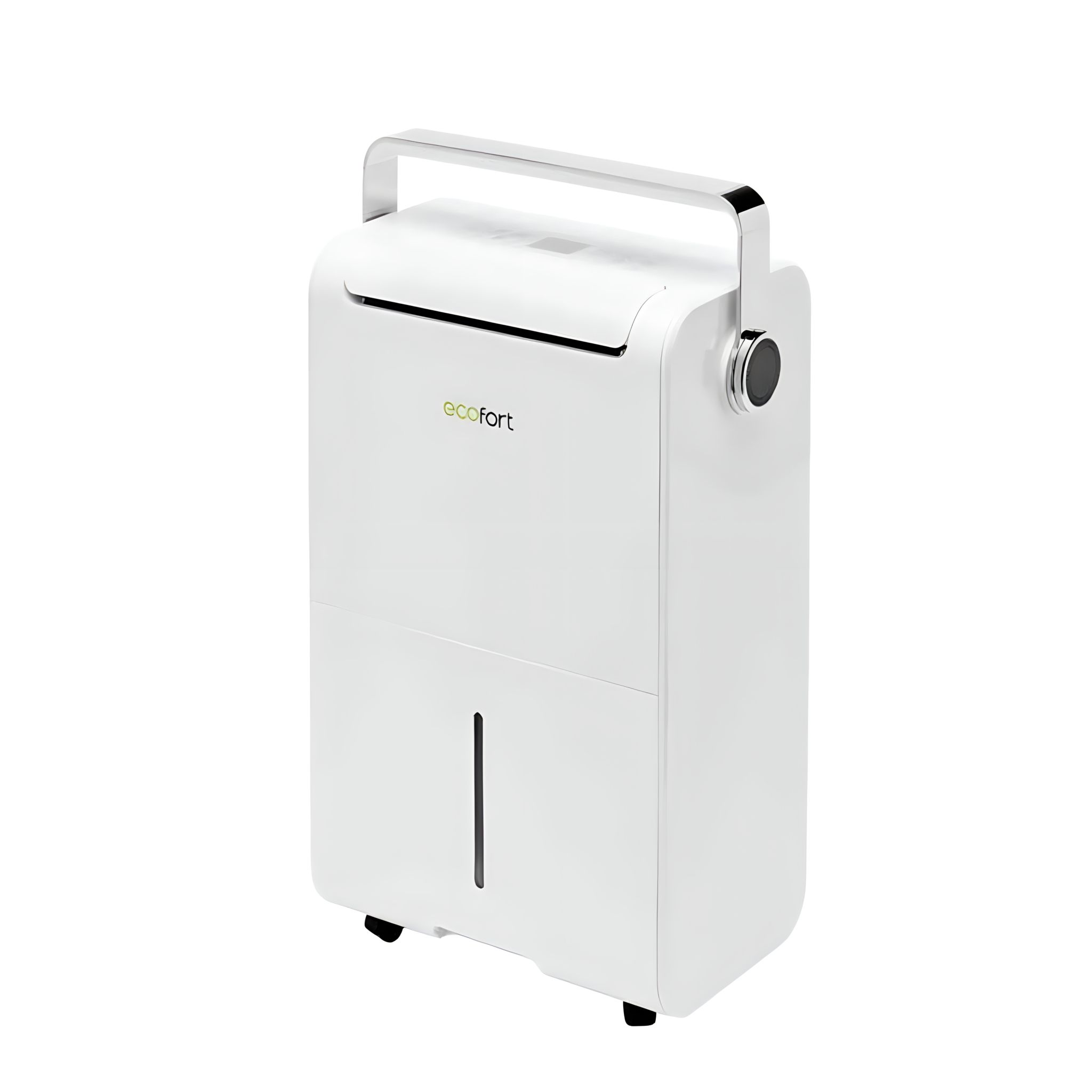
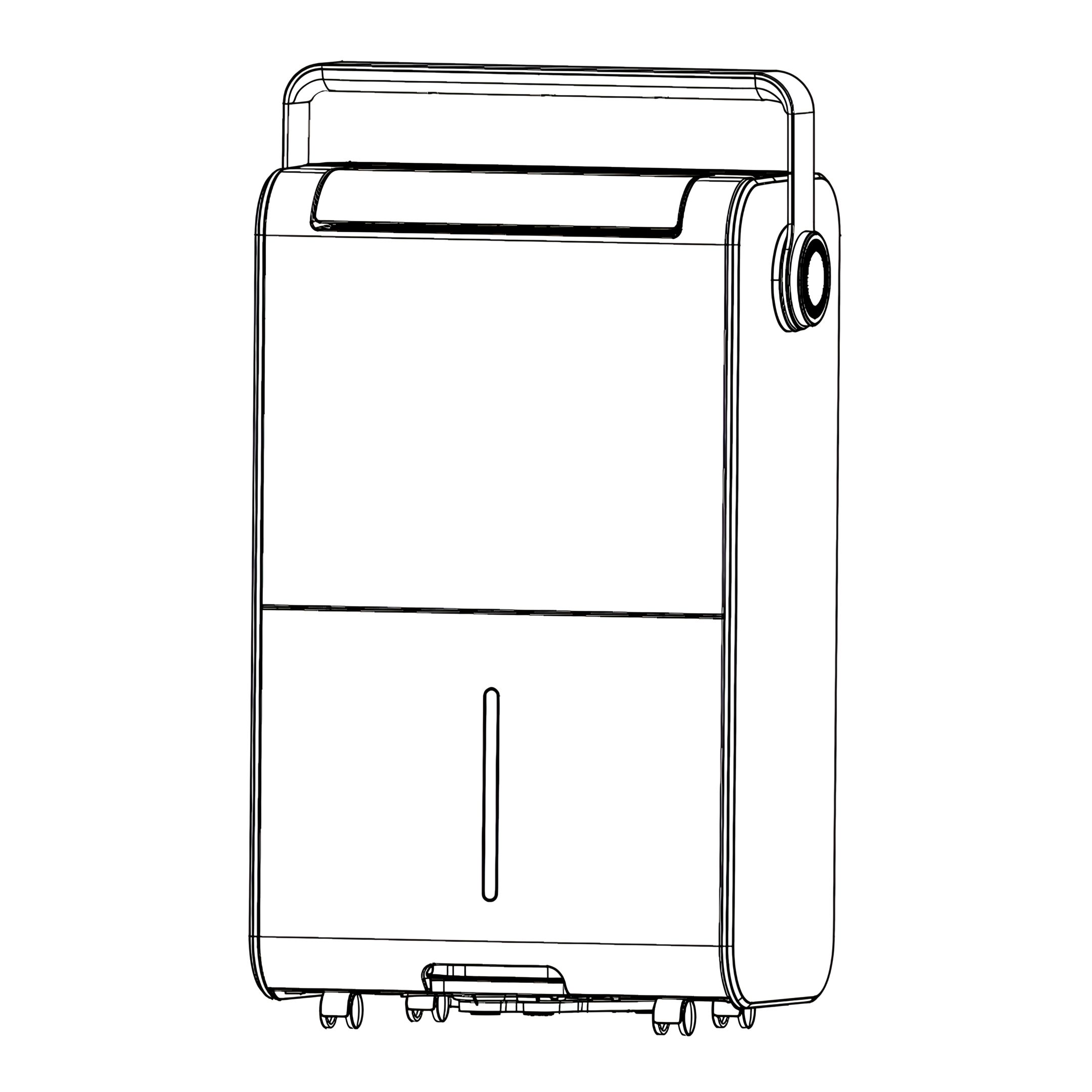
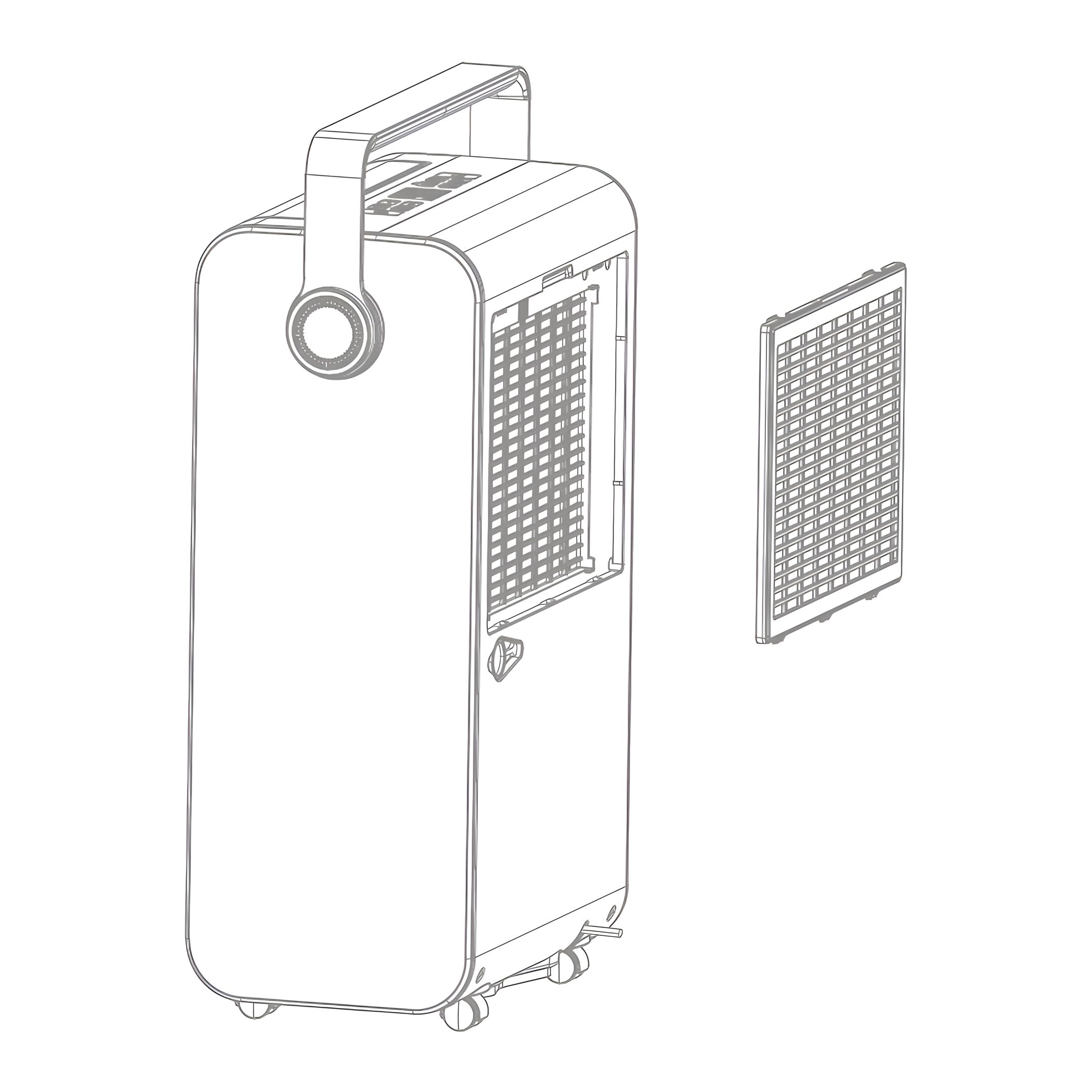
Step-by-step guide for using, maintaining, and safely operating your ecoQ DryAir 35L Energy Saver dehumidifier. Covers setup, humidity settings, drainage options, sleep and air purification modes, cleaning, error codes, troubleshooting, and safety precautions.
Product Information
ecoQ DryAir 35L Energy Saver
The dehumidifier is used to remove excessive moisture from the air. The resulting reduction in relative humidity protects buildings and their contents from the adverse effects of excess humidity.
The environmentally friendly R290 is used as the refrigerant. R290 has no damaging influence on the ozone layer (ODP), a negligible greenhouse effect (GWP) and is available worldwide. Because of its efficient energy properties, R290 is highly suitable as a coolant for this application. Special precautions must be taken into consideration due to the coolant's high flammability.
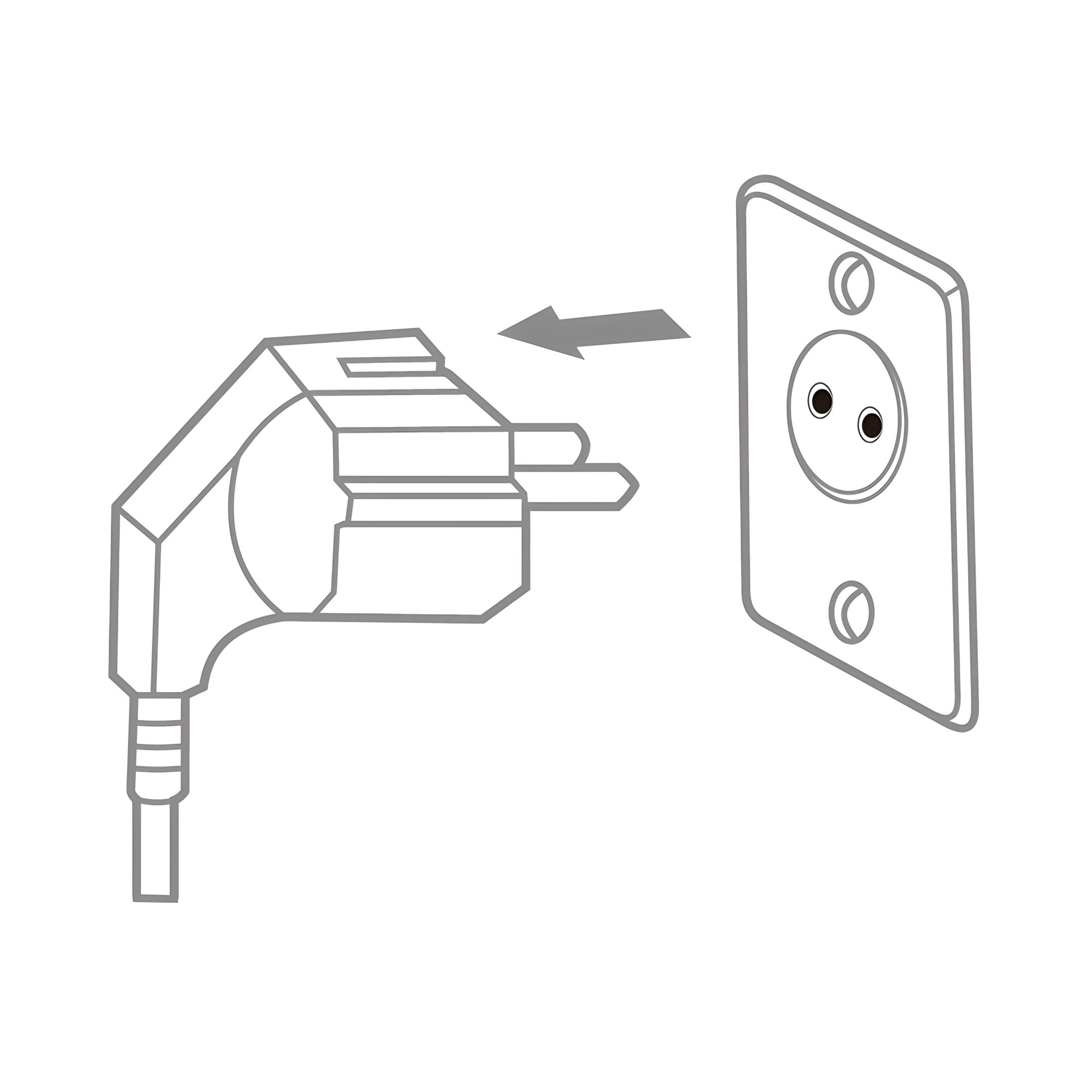
Connect to the power supply and press the power button once to turn on the unit, the unit runs by default mode on manual continuous dehumidifying with medium fan speed, the on/off indicator will be on.
2. Auto Dehumidifying Function
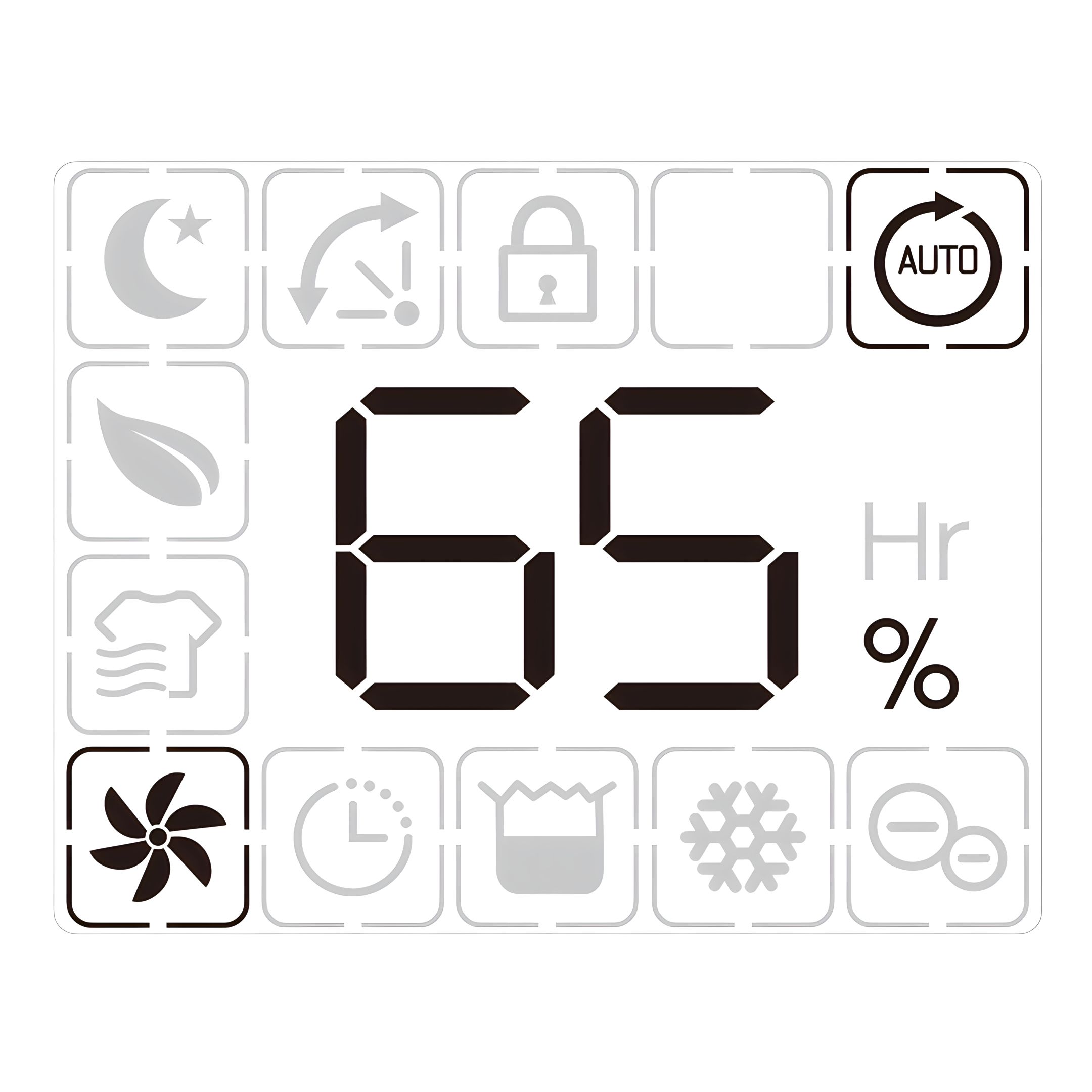
Press the auto button to select the Auto dehumidifying mode, the unit runs automatically accordance to the ambient humidity detected below.
Ambient RH% detected: RH%>65%
Compressor: Working
Fan Speed Level: High Fan
Ambient RH% detected: 55%≤RH%≤65%
Compressor: Working
Fan Speed Level: Low Fan
Ambient RH% detected: RH%<55%
Compressor: Not Working
Fan Speed Level: Low Fan
Note:
Up/Down buttons are invalid.
In automatic mode, the fan never turns off. This is normal and optimizes dehumidification thanks to a continuous air circulation.
3. Humidity Setting
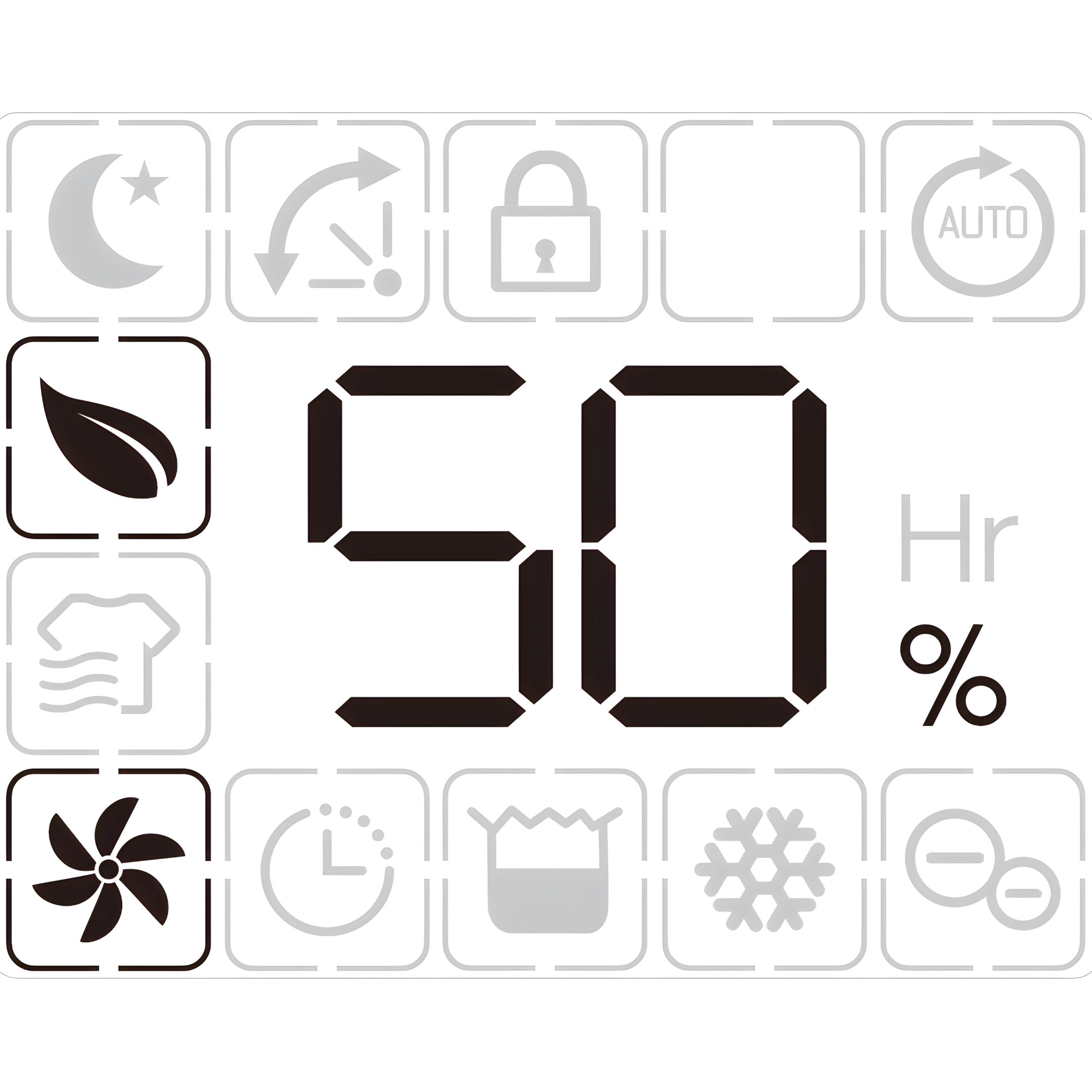
Press the Up and Down buttons to select the desired humidity:
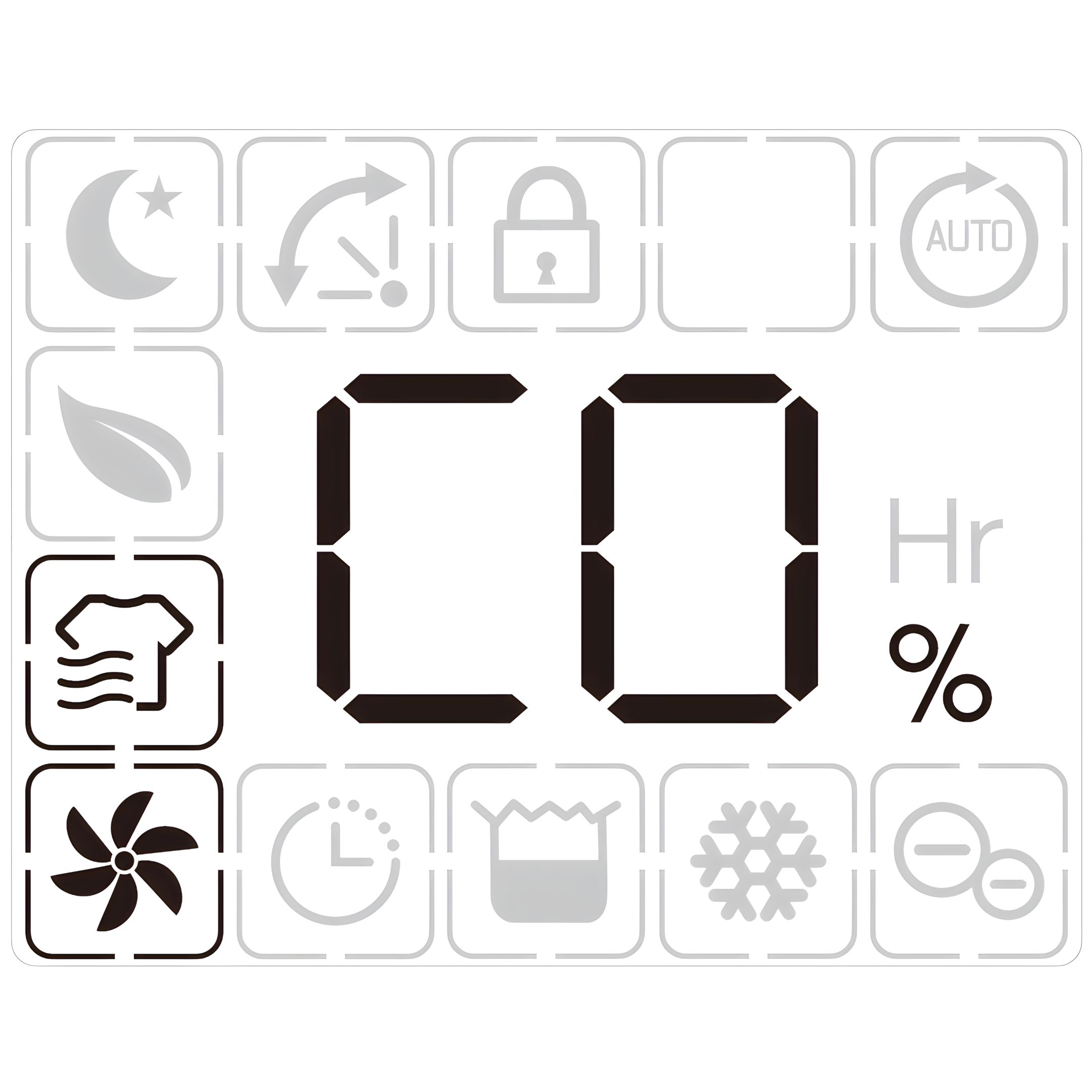
CO, 35%, 40%, 45%, 50%, 55%, 60%, 65%, 70%, 75%, 80%, CO.
CO means continuous dehumidification, regardless of ambient humidity.
Note: No other mode must be activated to use this function.
Switching logic:
Once the target value is reached, the compressor continues running for five minutes.
The fan continues running for ten minutes.
After twenty minutes, the fan switches on again to check the humidity.
If the humidity is above the setpoint, the unit starts dehumidifying again until the target value is reached.
The sequence then repeats.
4. Shut-off Timer Function
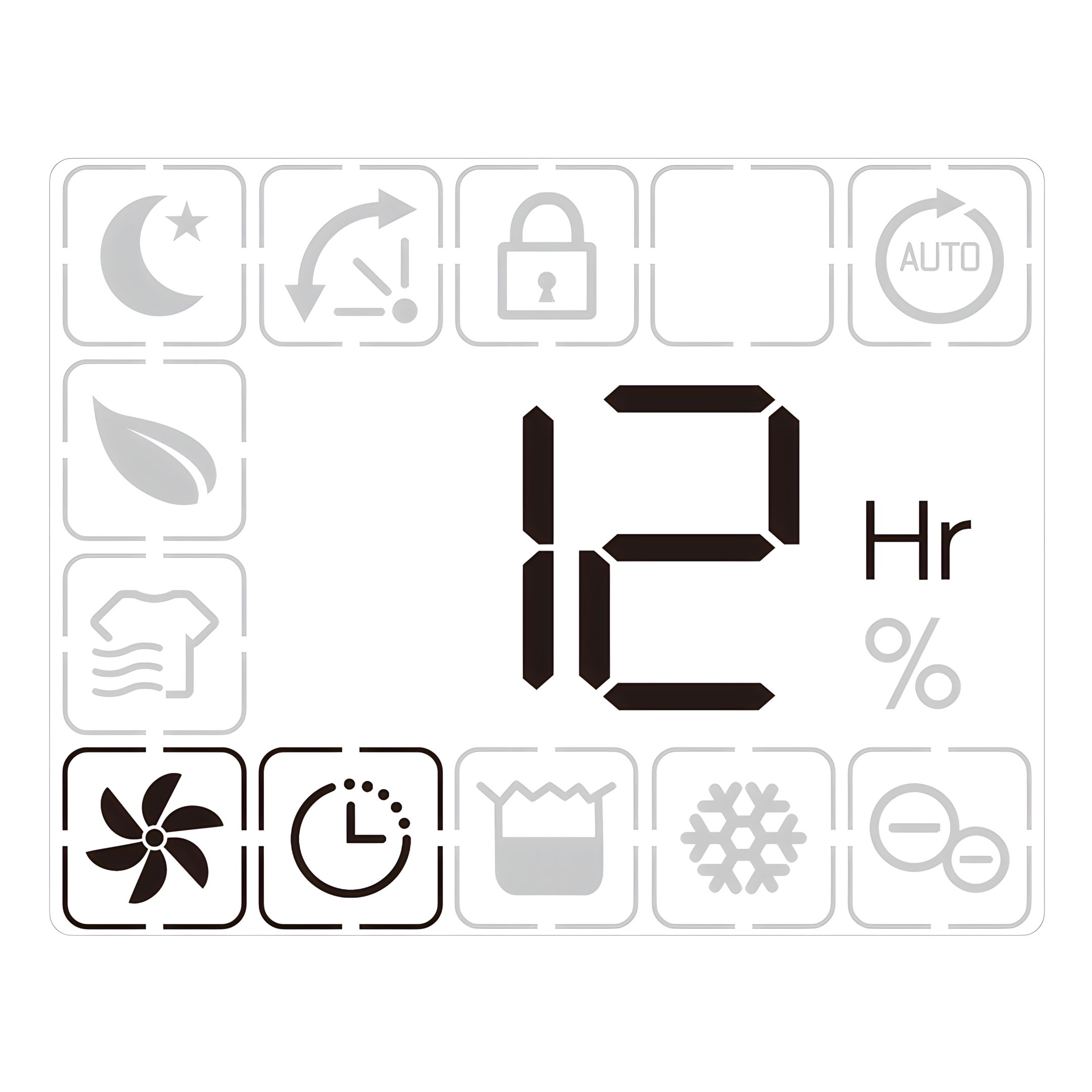
Press the timer button, then press up/down buttons to select your preferred timer hour from 00-24-00 for automatic shut off setting by each press.
Note:
Auto timer off setting will be canceled if press timer button for 2 times in 5 seconds.
Auto timer off setting will be canceled if switch off the unit and switch on again.
5. Fan Speed Option
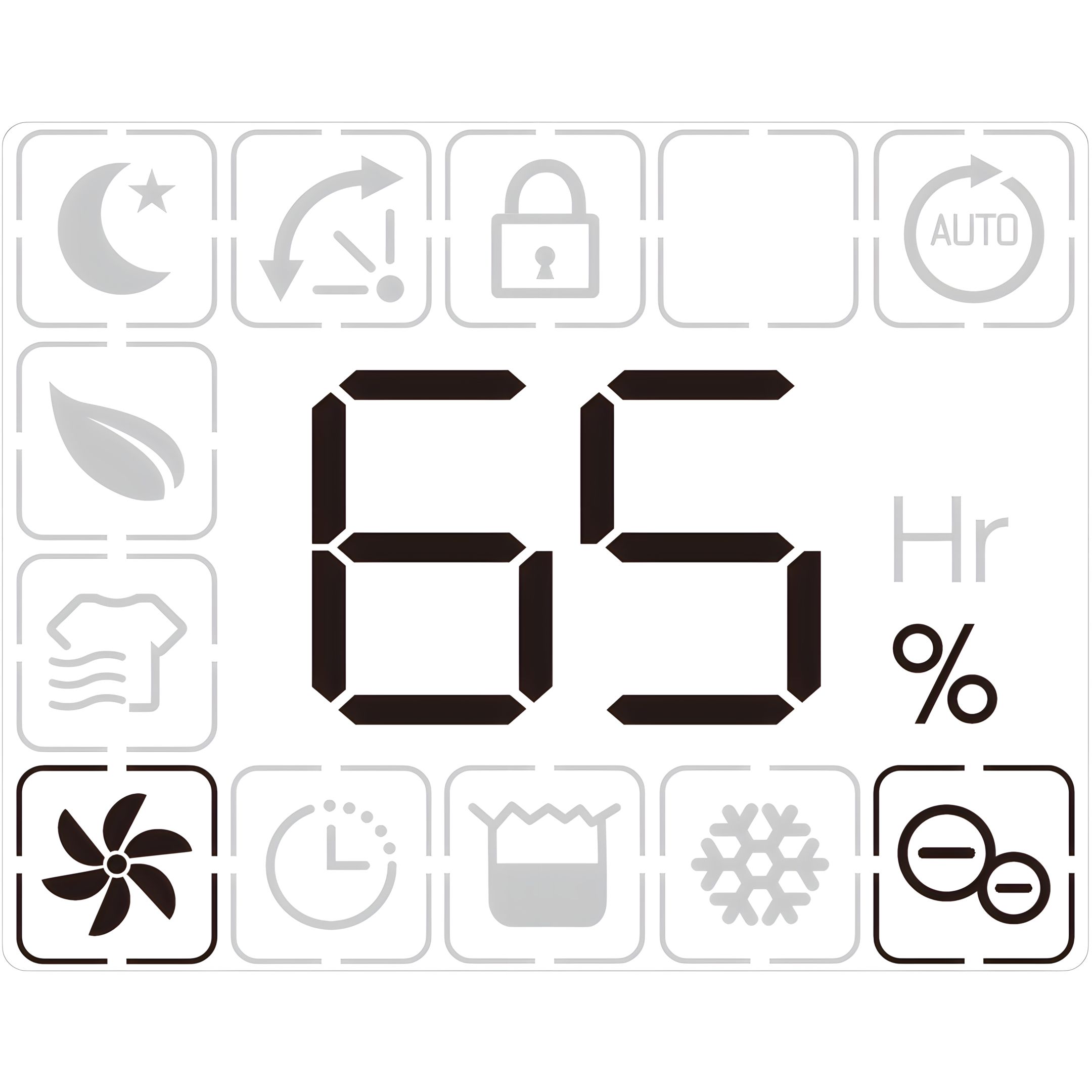
Press the fan speed button to select your preferred fan speed setting of low or high to meet the different usage requirements.
Note: Fan speed button is invalid at auto mode and defrost mode.
6. Air Deflector Function
Turn on the device, the deflector will move to the vertical position.
Press air deflector button once, the deflector will keep waving between 45°to 90°.
Press air deflector button again, the deflector will stop waving.
Turn off the device, the deflector will close automatically.
7. Ionizer Function
Press the Ionizer button to activate the function to fresh up the air quality.
Note: The Ionizer function will shut off automatically when the fan stops working.
8. Safety Child Lock Function
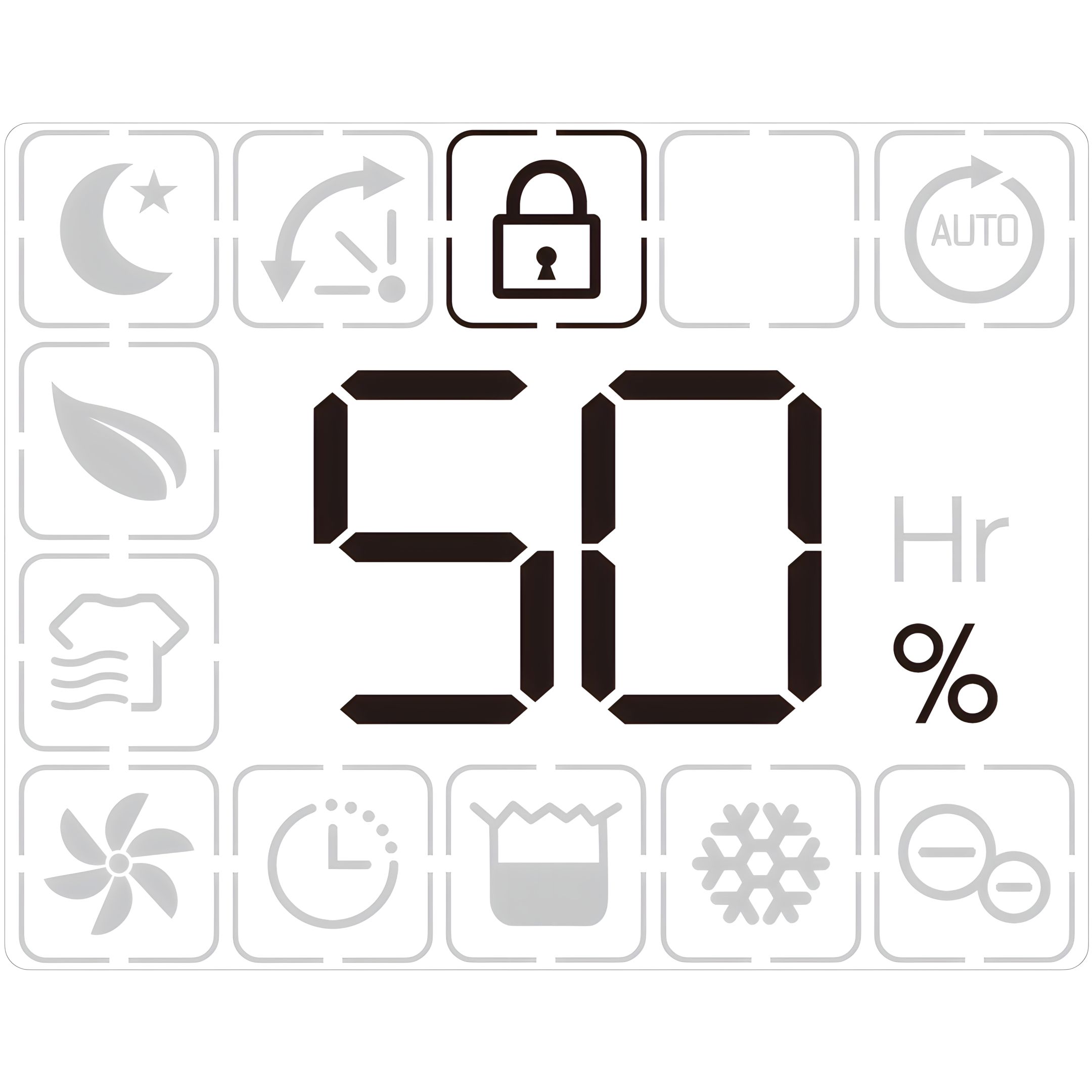
Press the safety child lock button to lock all buttons with a beeping sound, the same operation can unlock it.
Note: Safety child lock function can be set at standby mode and working mode but can’t be activated when water tank is full.
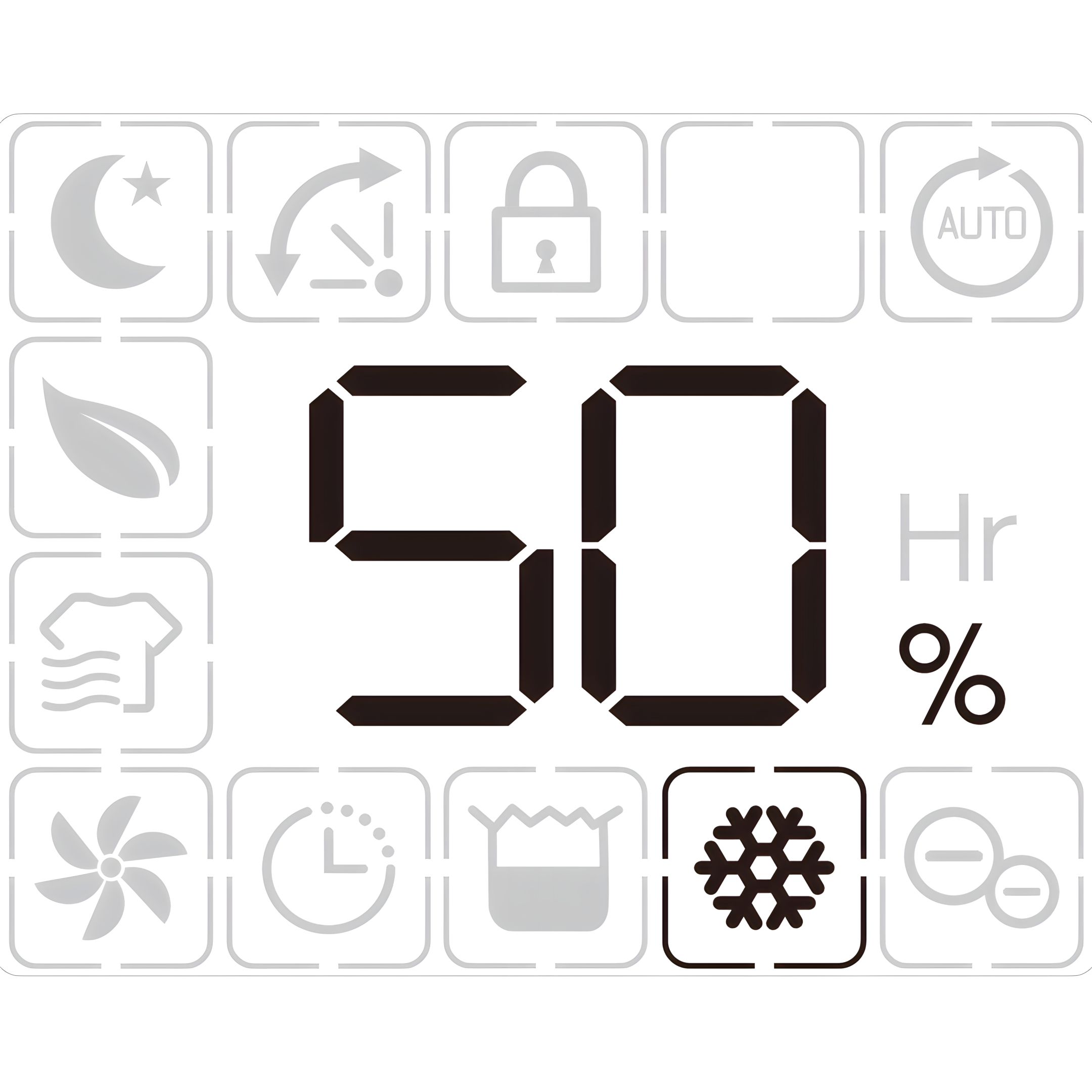
9. Defrost Indicator
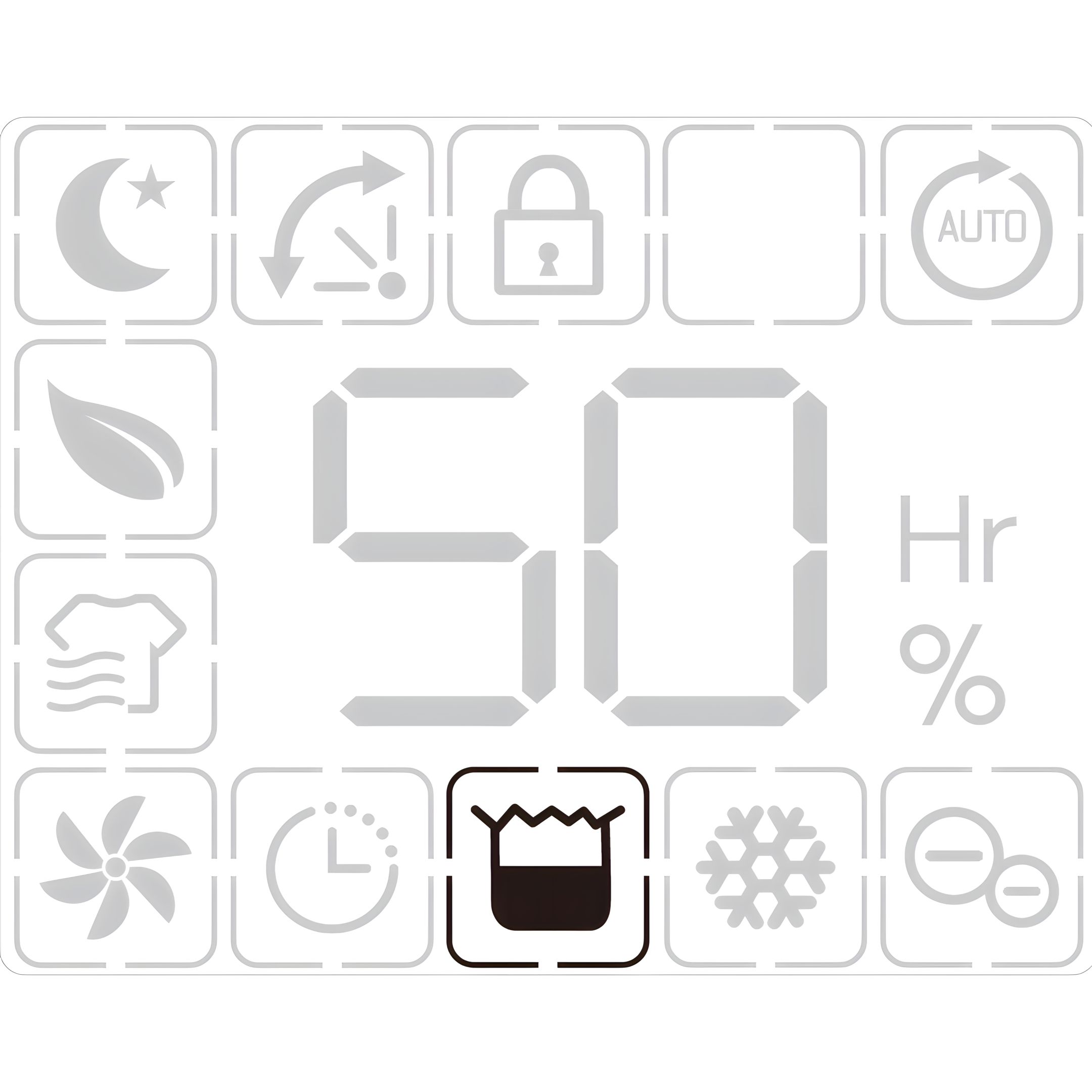
10. Auto Shut Off With Water Tank Full Indicator
The unit will enter into the standby mode when water tank is full or the water tank is not installed properly.
After emptying the tank or install the water tank properly the unit will go on to the previous mode.
Note: Except for the power button, all other buttons are invalid.
11. Memory Function
When unplugged directly or power cut, then reconnect to the power supply, the dehumidifier will run with the mode prior to the shutdown. The timer setting will be kept.
Press the power button to switch off the dehumidifier, and then press the power button to switch it back on. The dehumidifier will run with the mode prior to the shutdown. The timer setting will be canceled.
Switch off the dehumidifier and unplug the power cord, then reconnect the power supply and switch on the dehumidifier. It will run as factory preset mode the first time you received the dehumidifier.
Multifunction Option
12. Laundry Drying Mode
In manual mode, press the mode button once to select Laundry Drying mode, the unit runs in continuous dehumidification with high fan speed for 6 hours then turns off automatically.
13. Air Purifying Mode
Press the mode button 2 times to select Air Purifying mode, the unit runs with high fan speed without dehumidifying.
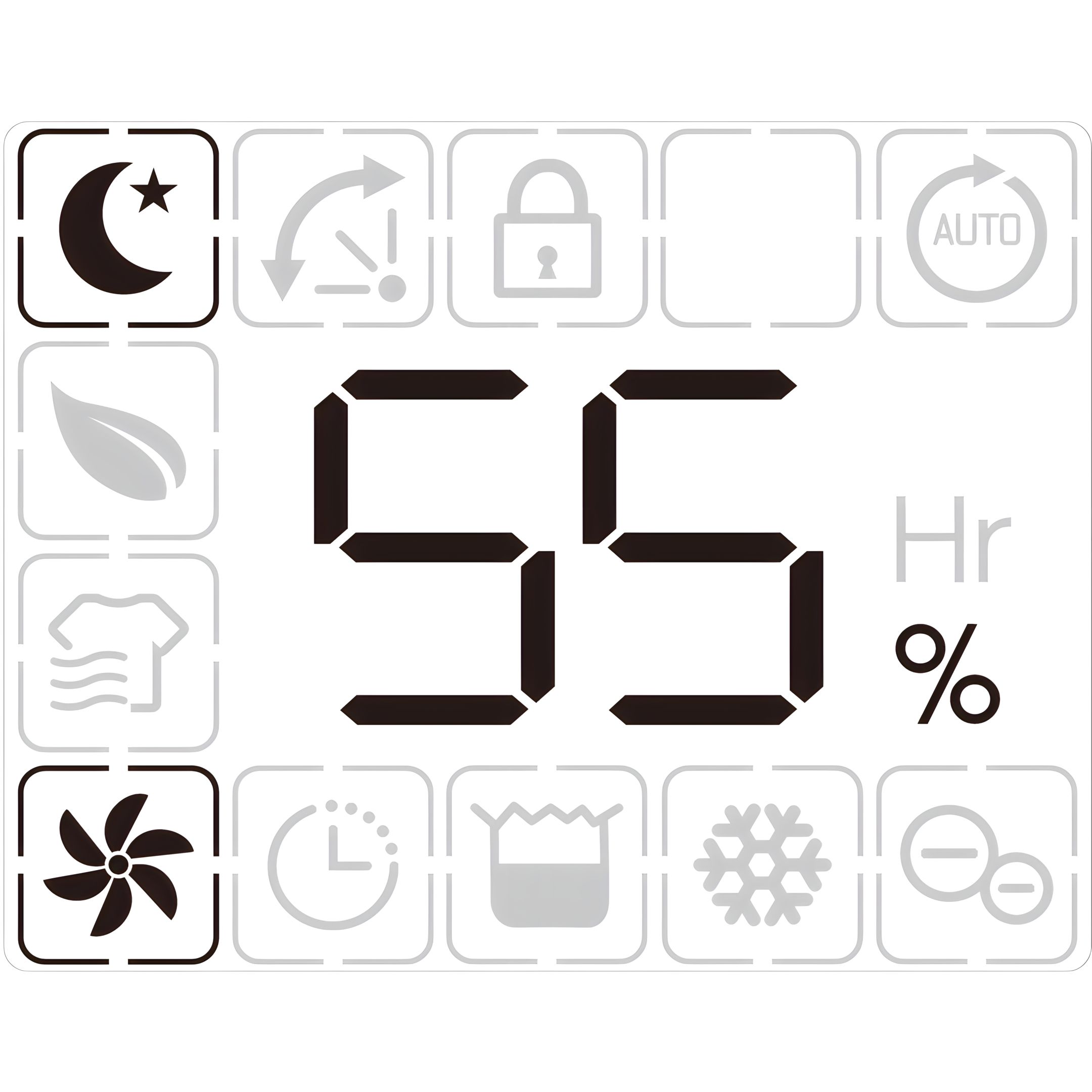
14. Sleeping Mode
Press the mode button 3 times to select Sleep mode.
The unit runs with a designated humidity setting of 55% along with low fan speed.
All indicators will be off 5s after the setting is completed.
Touch any button to activate the light, and to operate as usual.
Note:
Fan speed button is valid.
When the water tank is full on sleep mode, water tank full indicator will always be on.
Cleaning and Maintenance
15. Clean Housing
When used regularly, the filter may become clogged with dust and particles. Therefore, the filter should be cleaned at least every two weeks. Follow these steps:
Switch the device off and remove the plug from the socket before cleaning.
Clean the housing with soft, dry cloth. If the device is extremely dirty, use a mild cleaning agent. Wipe the dehumidifier with a slightly damp cloth. Never spray the device with water.
16. Clean Filter
Remove the filter, clean the filter with a vacuum cleaner or soapy water no hotter than 40 °C.
Rinse and dry the filter completely before installing back to the device
17. Storage
If the dehumidifier will not be used for a long period of time, take the following steps:
Remove the plug from the socket and empty the tank, make the tank and the dehumidifier dry completely, this may take a couple of days.
Clean the air filter.
Check the dehumidifier for perfect condition to ensure a safe use of it after a long period of storage.
Pack the device with the suitable packaging.
Store the dehumidifier in a dust-free and out of direct sunlight location, preferably covered with a sheet of plastic.
Troubleshooting
18. Display Error Codes
Please contact local distributor if any of the error codes below appears:
Display Code: E1
Error: Temperature sensor error
Display: Flash every 30 seconds
What is happening: Device still dehumidifies but is in defrost mode only.
Display Code: E2
Error: Humidity sensor error
Display: Flash every 30 seconds
What is happening: Device still dehumidifies but is in continuous dehumidifying mode only.
19. The device does not work
Possible cause: The power is not connected
Solution: Insert the plug into the wall outlet
Possible cause: The water tank is full
Solution: Empty the tank
Possible cause: The tank has not been replaced correctly
Solution: Replace the tank
20. Water removal capacity is too low
Possible cause: Runtime is too short
Solution: Be patient and wait
Possible cause: Ambient temperature or humidity is too low
Solution: It is normal that the device does not dehumidify in these conditions
21. The device works, but reduces the relative humidity insufficiently
Possible cause: The room is too big
Solution: We recommend using a dehumidifier with a greater capacity
Possible cause: There is too much ventilation
Solution: Reduce ventilation (e.g. close windows and shut doors)
Possible cause: The air filter is clogged
Solution: Clean the air filter
Possible cause: Set humidity is higher than the ambient humidity
Solution: Set the humidity lower than ambient humidity
22. Dehumidifier is blowing out warm air
Possible cause: The dried air is passed over heating coils before it is blown into the room as part of the dehumidifying process
Solution: This is normal, a dehumidifier is not an air cooler
23. The display is not showing the humidity set point
Possible cause: The display shows the room relative humidity, not the set point
Solution: Press the humidity control button once to see the target relative humidity
24. Water on floor
Possible cause: There is residual water in the tank, and the device is lurched too much by moving.
Solution: Be careful when moving the tank
25. The dehumidifier is noisy
Possible cause: The air filter is blocked or the device is on an uneven surface
Solution: Clean the filter or put the device on a flat surface
Previous stepCopy link to sharePrint / PDFNext step
 ecofort.ch