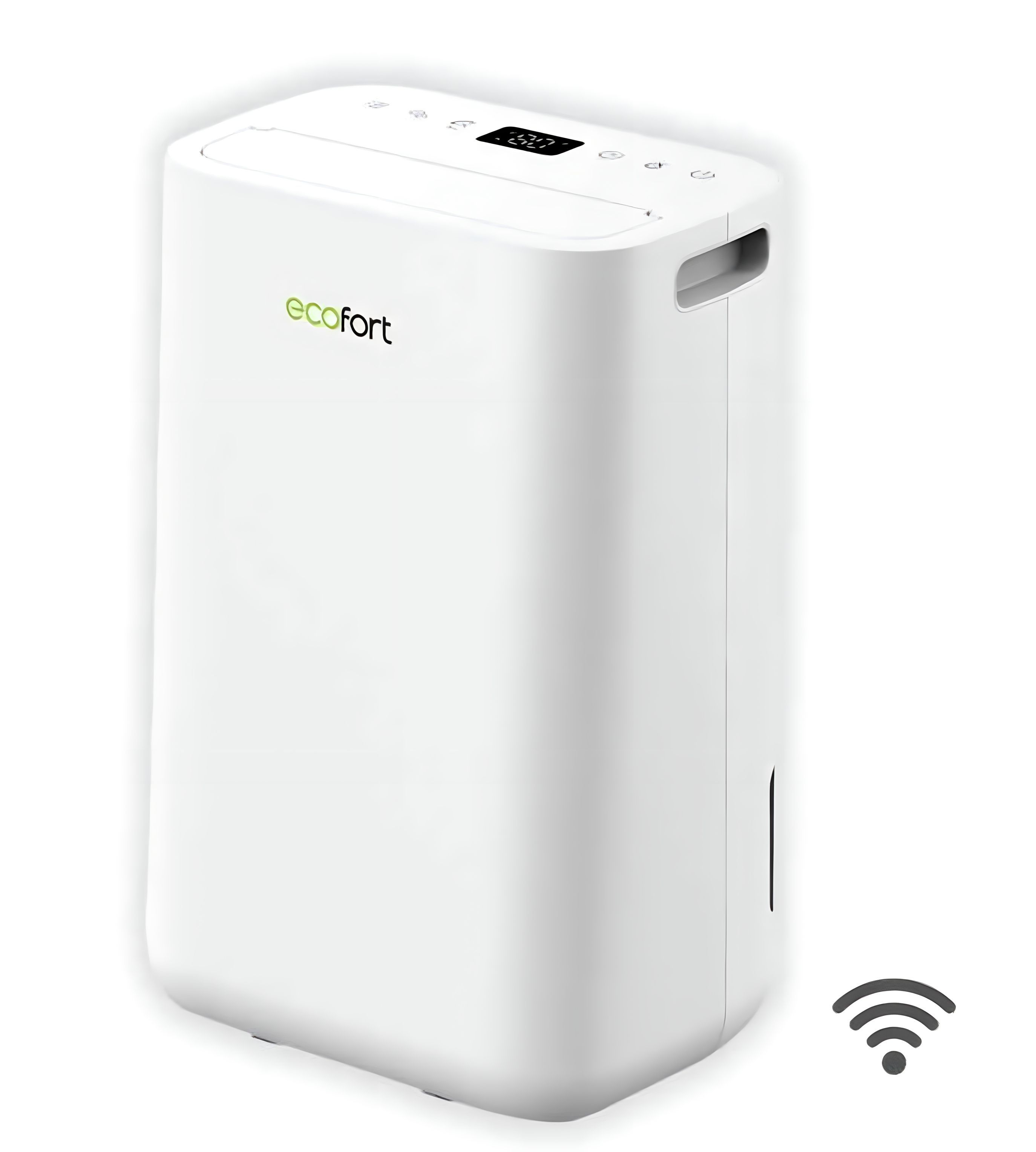
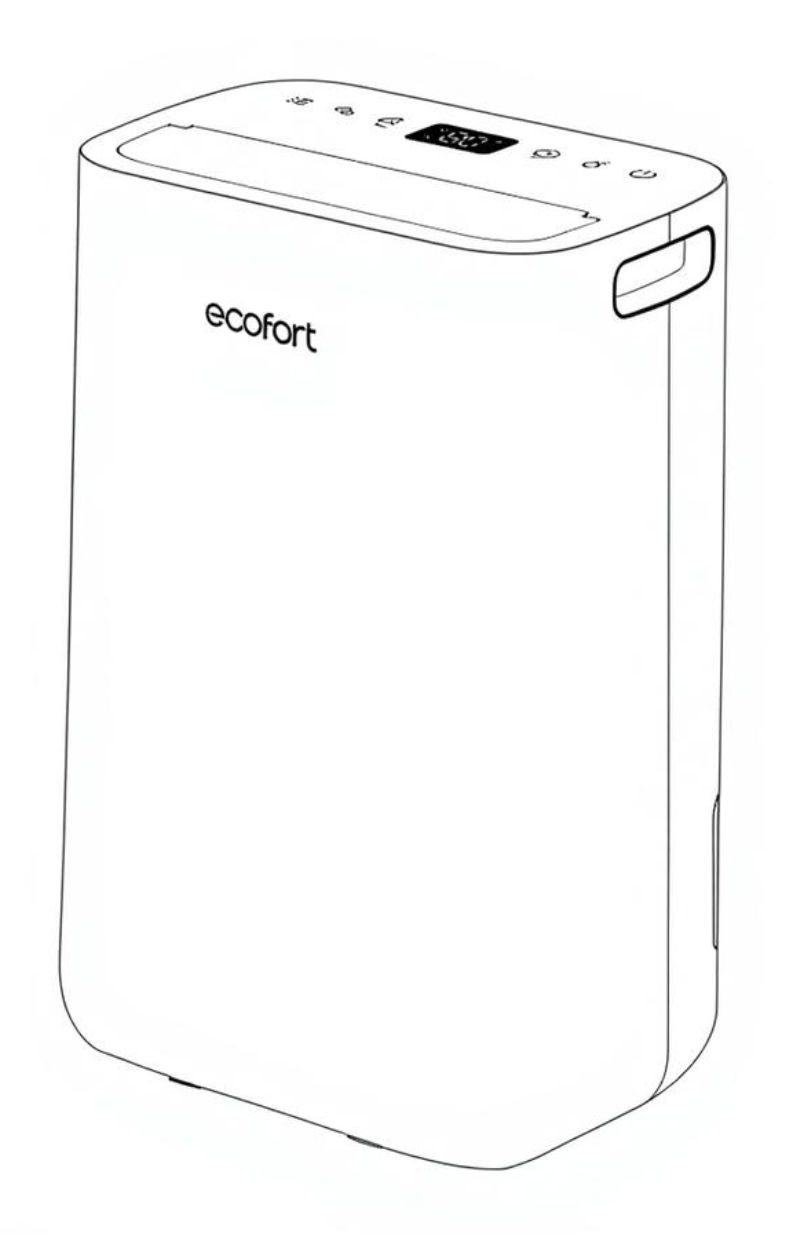
The ecoQ DryAir 13L Complete is a powerful, Wi-Fi-enabled dehumidifier with 13L/day capacity. Features include sleep & laundry modes, ionizer, smart app control, and continuous drainage. Quiet, compact, and ideal for improving air quality at home.
Product Information
ecoQ DryAir 13L Complete
The ecoQ DryAir 13L Complete is a powerful, Wi-Fi-enabled dehumidifier with 13L/day capacity. Features include sleep & laundry modes, ionizer, smart app control, and continuous drainage. Quiet, compact, and ideal for improving air quality at home.
Ensure the supplied power is in correspondence with the value on the label.
Ensure the water tank is correctly fitted, otherwise the dehumidifier cannot be turned on.
If the dehumidifier is turned off and then turned back on again immediately, it will take approximately 3 minutes to reach full dehumidifying power (compressor requires time to restart).
If the dehumidifier is switched off by a power cut, it will automatically switch back on once power is restored.
The dehumidifier works best at normal room temperature, its efficiency is reduced if the ambient temperature drops below 15 °C.
2. Switching On/Off the Unit
Connect the mains lead to socket.
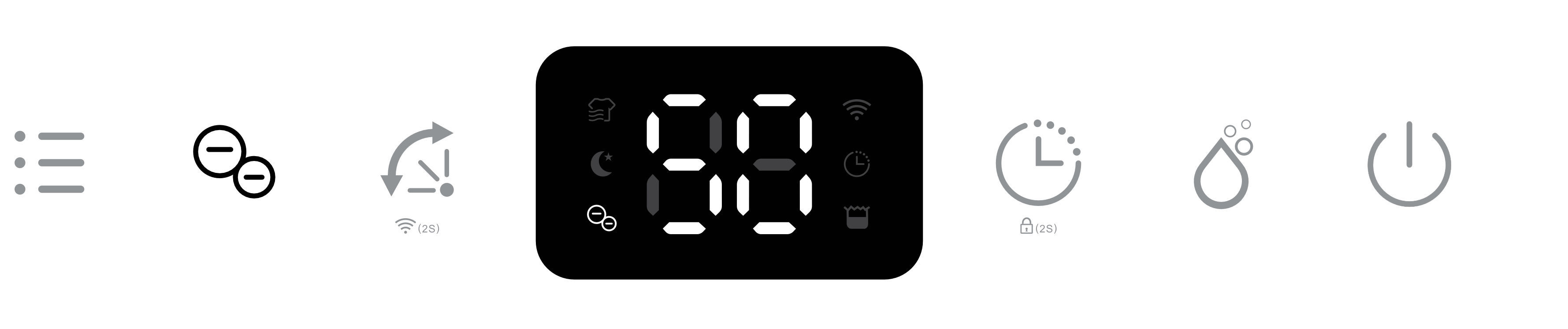
Press Power button once to turn on the unit. By default, it runs in Manual Dehumidifying Mode.
Press the Power button once again to turn off the unit.
3. Humidity Setting Control
Press the Manual button once to enter Manual Dehumidifying Mode or to select the desired
level of humidity from CO-30%-35%-40%-45%-50%-55%-60%-65%-70%-75%-80%-CO.
Note:
CO stands for continuous dehumidification.
In the ecofort SMART App, CO will be displayed as 25%.
When target humidity is reached, the fan and compressor shut off. The fan is activated every hour for 5 minutes in order to check humidity development.
Switching logic
Once the target value is reached, the compressor and fan switch off immediately.
After 55 minutes, the fan switches on.
After 60 minutes, the H/T sensor switches on (five minutes after the fan) and measures the humidity.
If the humidity is above the target value, the compressor switches on and dehumidification starts again.
If the humidity is not above the target value, the fan switches off.
The next check starts again after 55 minutes.
4. Timer Setting
While the device is ON, press the Timer button consecutively to select your preferred timer duration for automatic shut off. Its corresponding Timer indicator will be displayed on screen.
5. Oscillating
The oscillating flap vents the room from different angles for better air circulation and optimum diffusion of the dehumidified air throughout the room.
6. Wi-Fi
Press the Oscillation button for 2 seconds to activate the Wi-Fi function and enter connection mode. During the network configuration, the Wi-Fi indicator flashes.
When Wi-Fi is connected, the indicator is on permanently.
Note:
For detailed operation, please refer to the section “Wi-Fi Connection”.
Long press the Oscillation button for 2 seconds to disconnect Wi-Fi.
7. Ionizer
The unit is equipped with an ionizer that generates negative ions to improve air quality by neutralizing allergens and germs in the air.
Note: If the fan stops working, the ionizer will automatically be deactivated.
8. Key Lock
To prevent mishandling by young children, the unit is equipped with a key lock function.
Press the Timer button for 2 seconds to activate or deactivate the key lock function.
Note: After activating the key lock function, LC will be displayed on the display, 3 seconds later, it will show the current room humidity.
9. Automatic Shut Off
When the water tank becomes full during normal use, the unit shuts off automatically, tank full indicator is displayed and the buzzer alarm sounds 5 times.
Note: If the water tank is removed or not placed correctly, the behavior described above will also occur.
10. Automatic Defrost Feature
The unit is equipped with an automatic defrost feature.
When ice builds up on the vaporizer, the compressor shuts off and the unit runs on high fan speed until the frost has disappeared, the corresponding indicator will be displayed.
This feature is not manually adjustable by the user.
Multifunction Optional Setting for Laundry and Night Mode
11. Laundry Drying
In Manual Mode, press the Mode button once to enter the Laundry Mode.
Its corresponding laundry indicator will be displayed on the display.
The unit works in continuous dehumidification with high fan speed for 6 hours, then switches off automatically.
12. Night Mode
In Manual Mode, press the Mode button twice to enter the Sleep Mode.
Its corresponding Night Mode indicator will be displayed on the display.
10 seconds later, all indicators will be off and the dehumidifier will work with low fan speed.
Note: In Night Mode, press any button to wake up the unit first, then operate as usual.
Continuous Drainage
13. Continuous Drainage Option
With the continuous drainage option, all condensation can be drained directly.
This eliminates the need to empty the water tank and the unit can operate completely autonomously.
14. Remove Plug
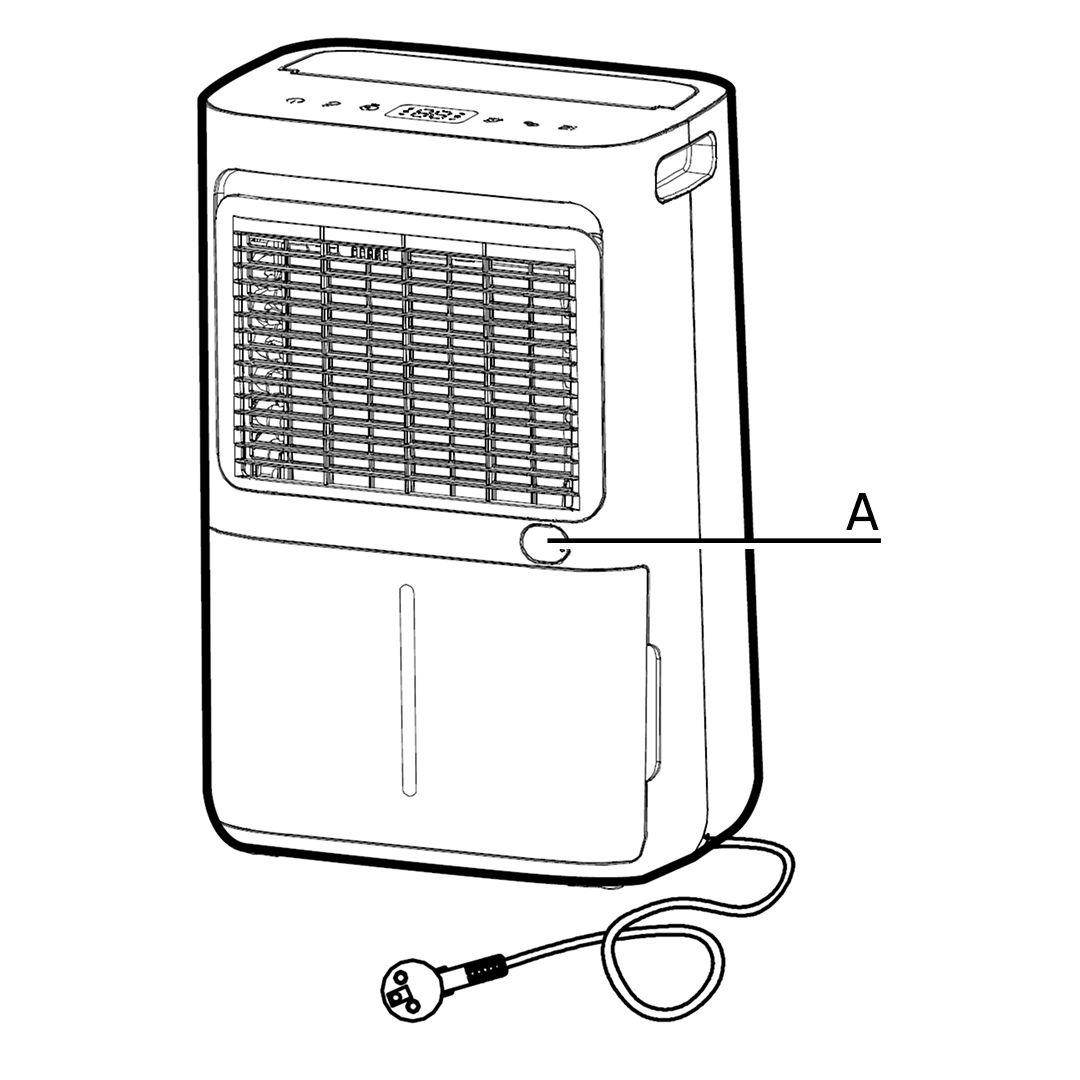
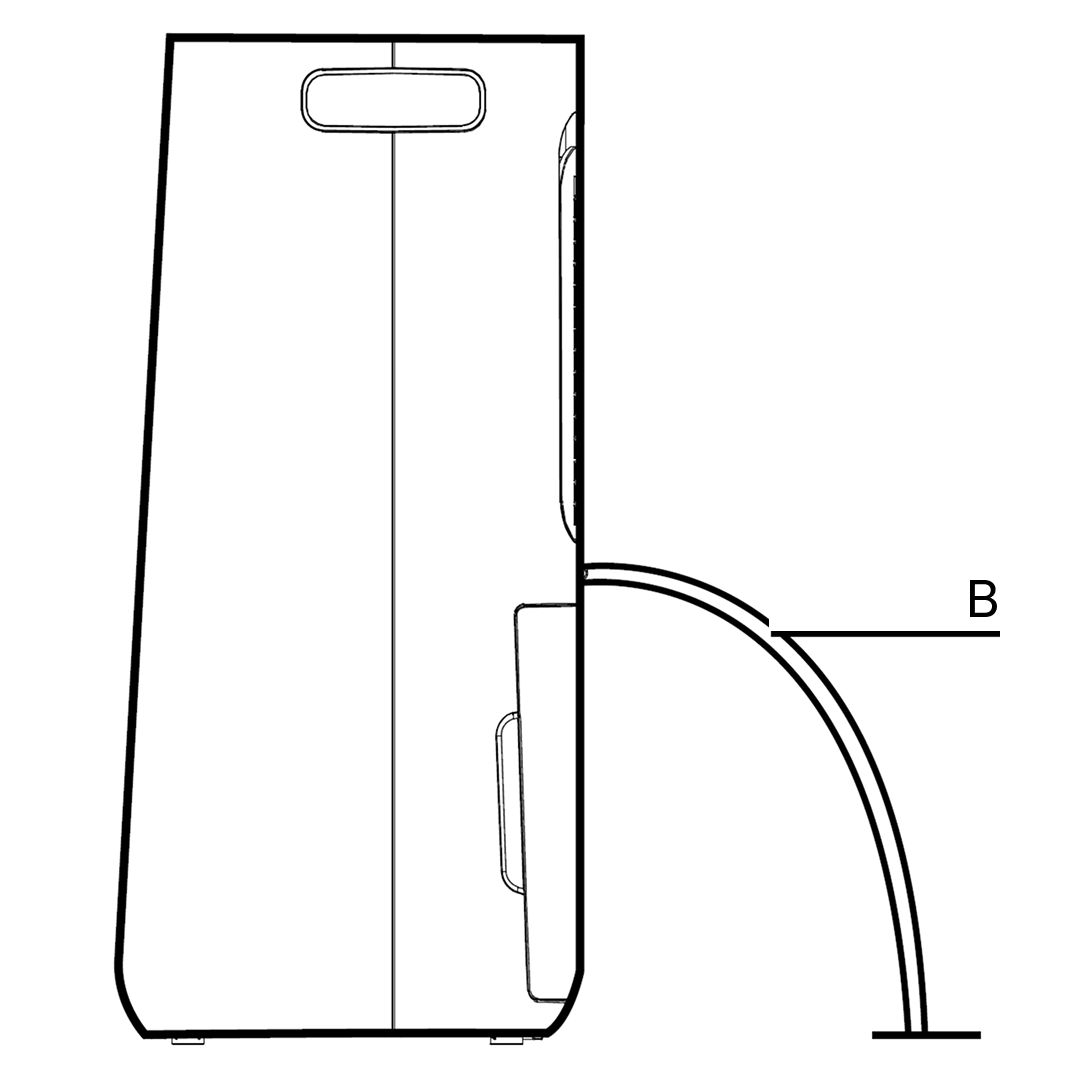
Remove the rubber plug (A) covering the drain hose connection.
15. Attach the Drain Hose
Connect a suitable drain hose (B)(14 mm inner diameter) through the drainage outlet.
Ensure that the hose is securely and tightly fitted to prevent leakage.
16. Check for Blockages
Always make sure the drainage hose is not blocked or obstructed to maintain a smooth flow.
Cleaning and Maintenance
17. Cleaning the Dehumidifier
To ensure the effectiveness of the dehumidifier, it is recommended to clean the unit at least every two weeks.
Turn the dehumidifier off and pull out the plug before cleaning.
Use a soft cloth to gently wipe the outer case to remove dust.
Vacuum clean the air inlet and outlet grilles of the dehumidifier.
Remove the water tank and wash it by hand using a mild detergent.
Rinse it with Clean Water.
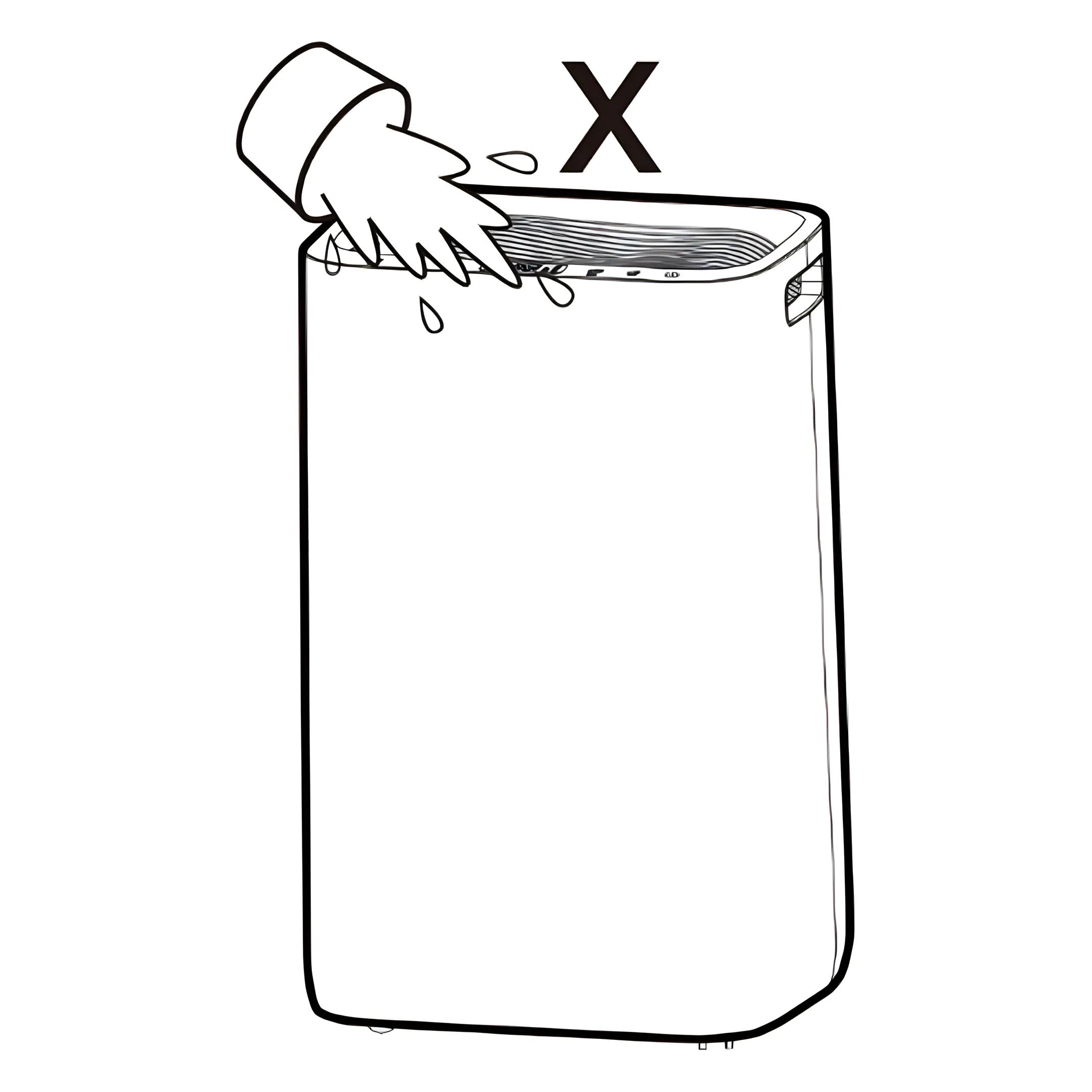
Note: Do not spray water directly onto the unit.
18. Cleaning the Air Filter Frame
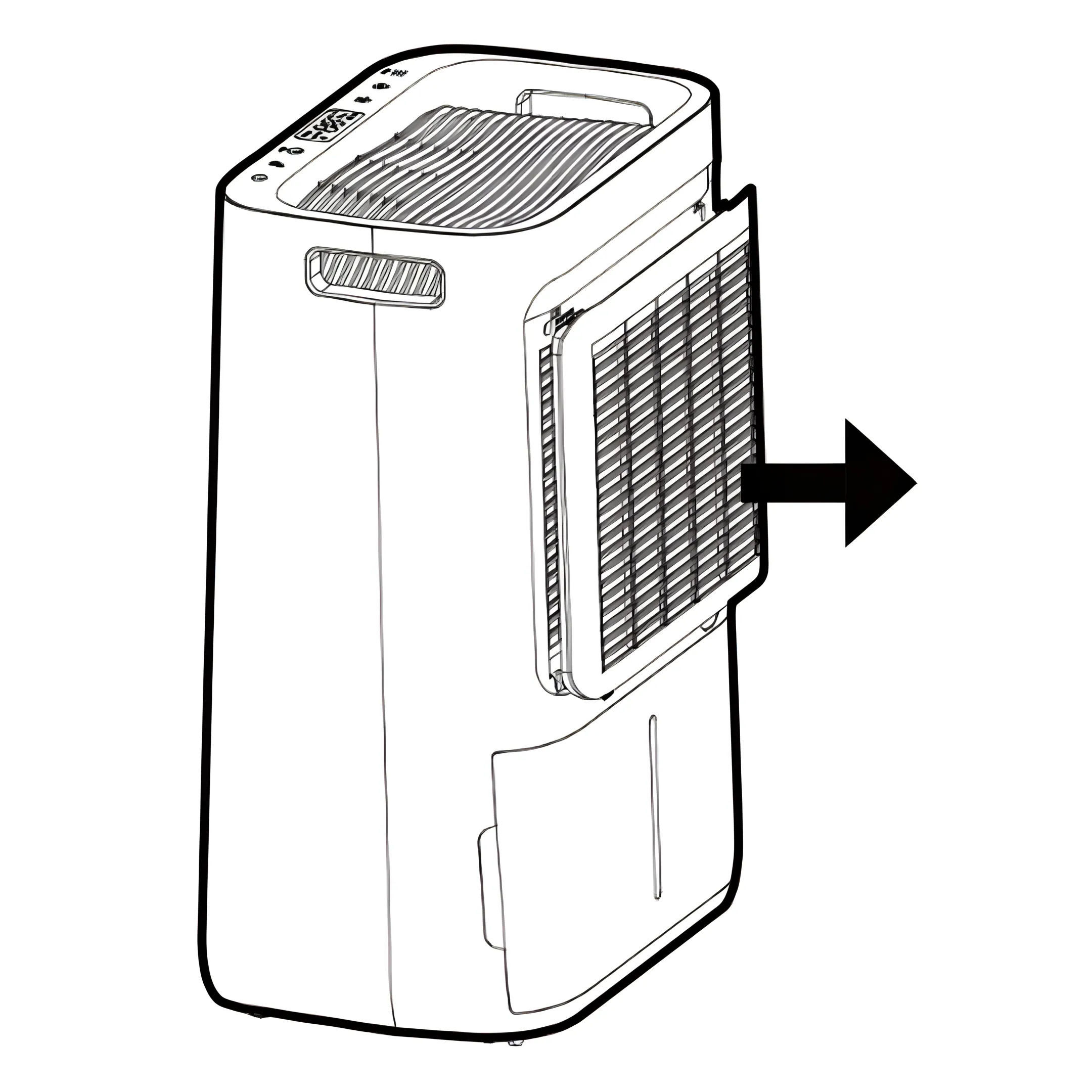
Remove the inlet frame from the back.
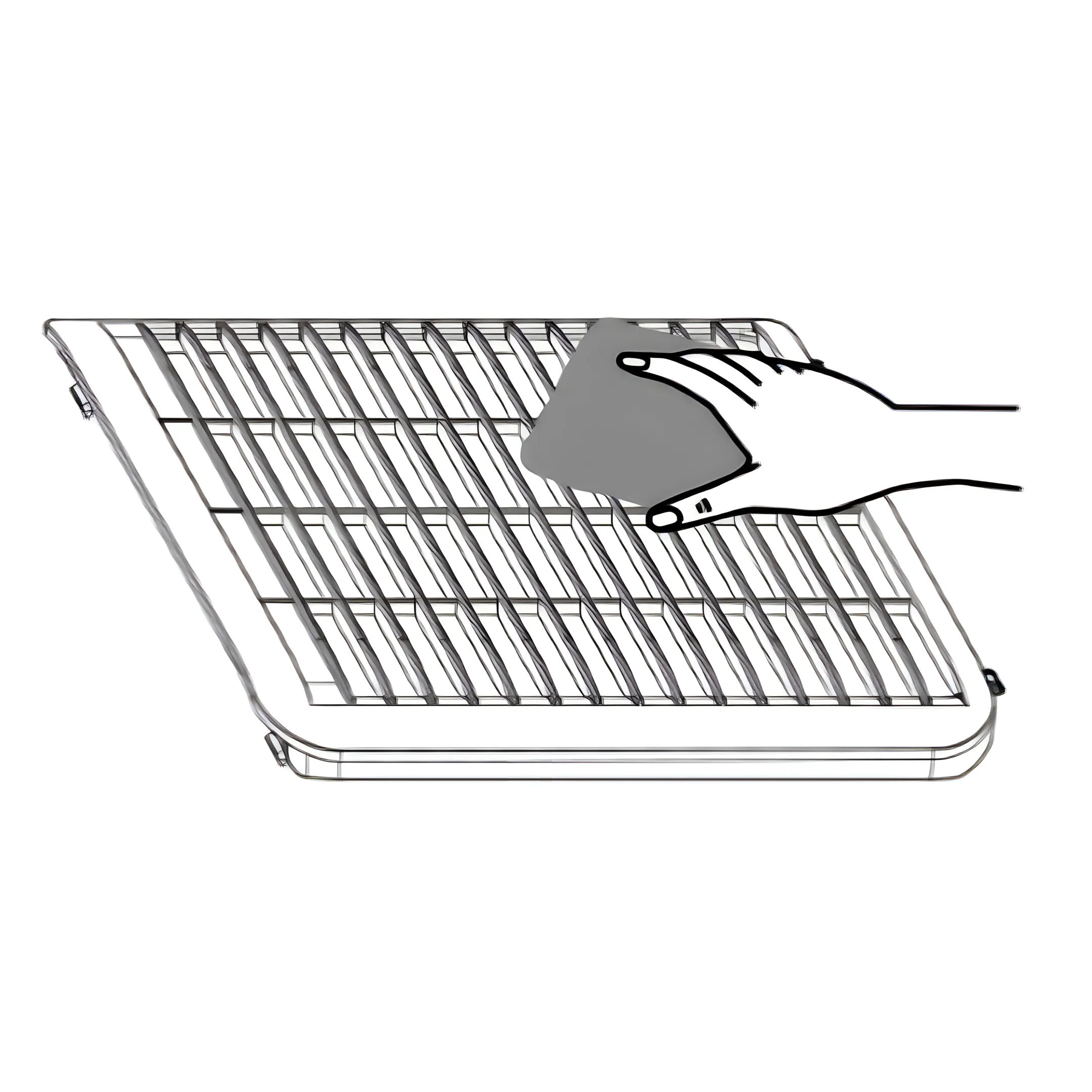
Wash the filter frame carefully in warm water, use a mild detergent if necessary.
Note: Do not wash the filter frame in a dishwasher.
19. Reinstall the Filter
Rinse the filter frame in clean water and let it dry before reinserting it.
Fit the filter frame back onto the unit.
Note: DO NOT use the dehumidifier without the Air Filter Frame in place.
Troubleshooting
20. The dehumidifier will not switch on
The mains lead is not properly plugged in or there is no power from the wall socket.
The water tank is full or incorrectly fitted.
The set humidity level has been reached.
Power plug or cord damaged.
21. The humidity is not decreasing
The dehumidifier has not been used long enough.
Make sure that the doors and windows are closed.
The ambient temperature is too low.
The air filter frame is overly dirty.
Exceeded recommended room capacity.
The ambient humidity level is lower than the desired humidity level set.
22. Unusual noises
The dehumidifier is tilted or standing on an uneven surface.
Make sure that the air filter is clean.
Loose or foreign particles inside the unit.
Sound of flowing refrigerant.
23. Water in tank overflows
Water tank may be damaged.
Float for water auto-sensor is not in place.
Internal drainage passage is blocked or obstructed.
24. Error code
E1: Temperature sensor error. Contact customer care.
E2: Humidity sensor error. Contact customer care.
LO: Low environmental humidity (below 30%)
HI: High environmental humidity (above 90%)
Previous stepCopy link to sharePrint / PDFNext step